
Get In Touch
- Home
- |
- Contact
keep in touch with us
We’d love to hear from you.
If you have any questions about forex trading or our XAUUSD EA Bots—whether it’s setup, compatibility, pricing, or support—just get in touch and we’ll respond as soon as possible.
Let's Talk
Have a question or need a hand? We’re here to help.
Whether you’re curious about forex trading in general or want clarity on our XAUUSD EA Bots —how they work, how to get set up, or which option fits you best—reach out anytime and we’ll point you in the right direction.
FAQs
For your ease, we have created a list of the most common questions we get. Please review to see if this helps you. If not, please send us your question using the form.
What is Forex and how Nexus Forex Trading works?
Forex (FX) is the world’s largest financial market — a global, decentralised over-the-counter (OTC) marketplace where currencies are bought and sold electronically (not on one central exchange). It runs 24 hours a day, five days a week across major financial centres, with participants ranging from banks, central banks and corporations to hedge funds, asset managers, governments and retail traders using brokers. In the latest BIS Triennial Survey, OTC FX trading reached about $9.6 trillion per day in April 2025, up from $7.5 trillion per day in April 2022 — highlighting both the scale and constant opportunity of the FX market.
Why purchasing Nexus Forex Trading EA Bots is the right choice
In a market this active, success often comes down to consistency, disciplined risk controls, and transparent proof. Nexus Forex Trading EA Bots are built for traders earning 5%–15% monthly returns, using a structured, rules-based approach.
What makes Nexus the smarter choice is trust and transparency: our performance is shown on real-money live trading accounts, and results are verified by independent third-party tracking (such as Myfxbook) so you can review the trade history and performance metrics for yourself — not rely on claims, Demo accounts or screenshots.
https://www.myfxbook.com/members/NexusFXtrading/nexus-eurusd-live-cent/11946203
What is EA (Expert Advisor)?
An Expert Advisor (EA) is an automated trading program that runs on the MetaTrader 4 (MT4) platform (coded in MQL4). Instead of you watching charts all day, an EA can follow a set of predefined rules to analyse the market, place trades, and manage risk automatically.
What an EA can do
Runs 24/5 while the markets are open on the chart/timeframe you choose
Opens, modifies, and closes trades based on strategy rules (entries, exits, stops, position sizing)
Can manage features like stop-loss, trailing stops, alerts, and even multiple symbols
Can be backtested and refined using MT4’s Strategy Tester
Important note: automation doesn’t guarantee profits — results always depend on the quality of the strategy, execution conditions, and risk controls. Many traders use a VPS so the EA stays online continuously, even if their PC is off.
Why Nexus Forex Trading is the best choice
Nexus isn’t “just another EA.” It’s built for traders who care about transparency, consistency, and risk management:
Risk-first design with practical safeguards like equity protection and position sizing presets
Third-party verified live performance (e.g., Myfxbook), so you can review real results rather than marketing claims
Broker guidance based on live testing, helping you choose conditions that support stable execution (spreads, margin, reliability)
Clear setup support, including an easy step-by-step guide and sensible recommendations like starting with small lot sizes
If you want an MT4 EA that prioritises real-world reliability and verified transparency, Nexus Forex Trading is the smarter, safer choice.
What trading software do I need for Nexus Forex Trading?
Nexus Forex Trading is built for MetaTrader 4 (MT4) and works with any broker’s standard MT4 terminal. You can download MT4 free from most brokers’ websites, install it, and log in to your demo or live account.
Can Nexus Forex Trading run while I’m away?
Yes. Nexus Forex Trading can trade 24/5 from Monday’s open to Friday’s close—as long as your MT4 terminal stays online. The EA will monitor the market and open/close positions automatically, so you don’t need to sit at the screen. A VPS: Leave MT4 running on a VPS host for reliable uptime and stable connectivity.
We will show the easy process to get this setup with our video and detiled setup guide.
Does the robot trade every day?
Not necessarily. Nexus Forex Trading only places trades when your strategy rules and market conditions align. If the setup isn’t there, it simply waits—avoiding unnecessary risk.
Quality over quantity: Some days may see multiple trades; other days, none.
Conditions matter: Volatility, spreads, news, and your settings all influence frequency.
By design: Sitting out is part of the strategy, not a malfunction.
What returns are realistic with Nexus Forex Trading?
What returns are realistic?
https://www.myfxbook.com/members/NexusFXtrading/nexus-eurusd-live-cent/11946203
A positive, realistic way to frame targets
Conservative risk: Aim for single-digit monthly growth (often 3–8%). In strong market conditions you may see higher bursts.
Moderate risk: Some traders target ~5–12% per month when conditions suit the strategy.
Aggressive risk: Bigger months are possible—but so are deeper, faster drawdowns. Most traders don’t need this.
Example of compounding on a $1,000 account (illustrative):
+3%/month → ~$1,426 in 12 months
+5%/month → ~$1,796 in 12 months
+8%/month → ~$2,518 in 12 months
What’s the minimum to start trading?
You can run Nexus Forex Trading with a minimum of $500 on a cent (micro) MT4 account. A cent account shows your balance in cents and allows very small position sizes, so the EA can manage risk with limited capital.
Keep in mind
Broker specifics matter: Leverage, margin, and spreads vary by broker and affect how far $500 will go.
Small capital = smaller trades: Expect limited position size and less buffer for drawdowns.
Recommended funding: For smoother execution and flexibility, many traders use $1,000–$5,000+ (or the cent-account equivalent).
Start safely: Test on a demo account first, then go live with conservative risk settings.
Nexus Purchase Protection, Licensing & refunds?
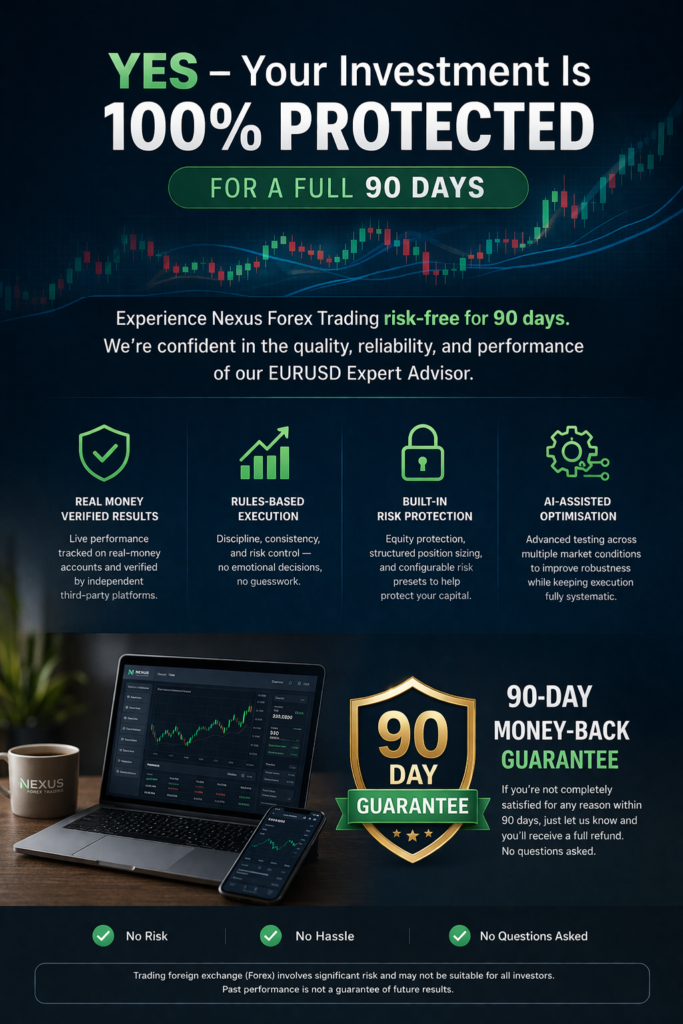
Please review our Purchase Terms for full details.